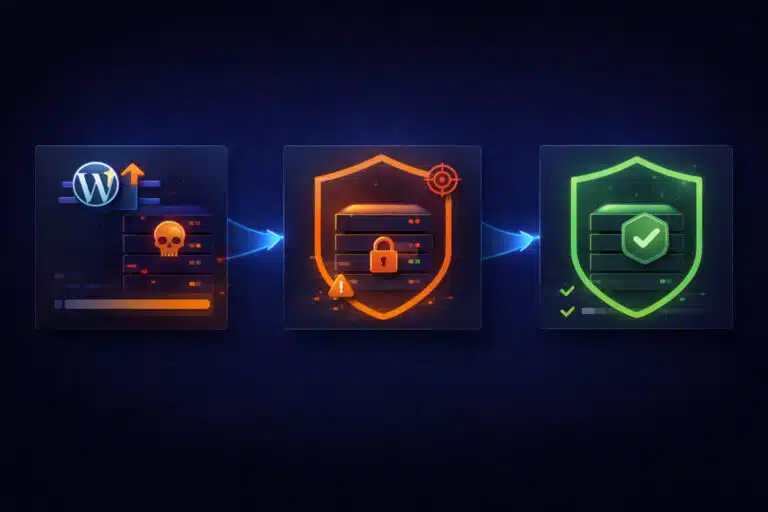
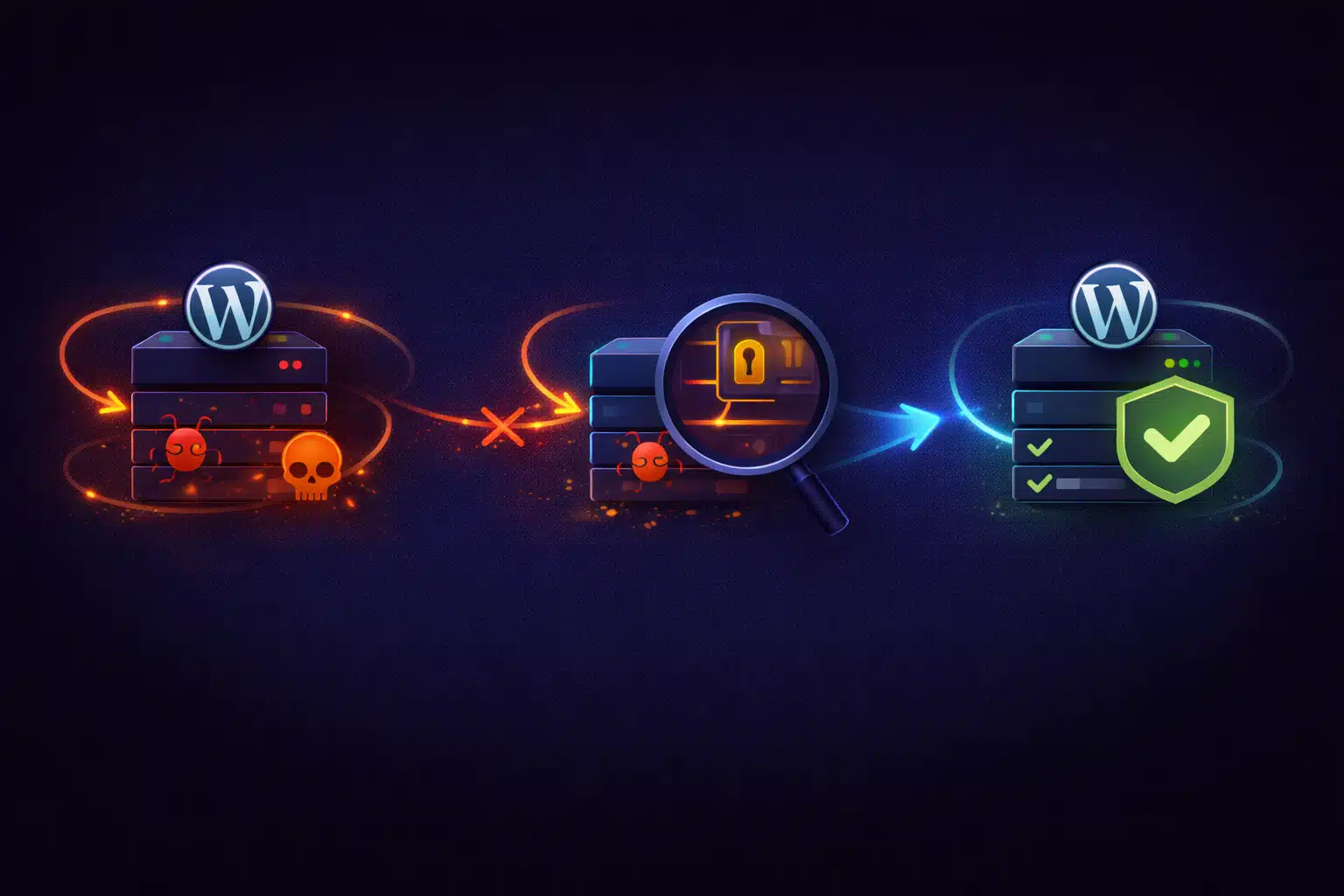
If malware keeps coming back on your WordPress site even after you “cleaned it,” the problem is almost never the cleanup itself — it’s what was missed. Reinfected sites usually still contain an entry point or persistence mechanism that allows attackers to regain access automatically.
Until that root cause is removed, every cleanup is temporary.
Why Malware Reappears After Cleanup
Most recurring infections follow the same pattern:
- The visible malware files are removed
- The site appears clean for days or weeks
- Malicious code suddenly reappears
- The cycle repeats after the next update or traffic spike
This happens because attackers rarely rely on a single infected file. They leave multiple ways back in.
Common Persistence Mechanisms Attackers Use
When malware keeps returning, one or more of these is usually still present:
- Hidden backdoors disguised as normal PHP files
- Injected code in uploads where people don’t expect executable files
- Malicious must-use plugins that load before regular plugins
- Injected database entries (options, cron jobs, or user accounts)
- Compromised credentials that allow attackers to reinfect the site
Removing only the obvious files leaves these mechanisms untouched.
Why “One-Click Malware Removal” Often Fails
Automated cleanup tools can be useful, but they have limits:
- They detect known signatures, not custom obfuscation
- They focus on files, not database persistence
- They don’t fix the original vulnerability
- They can’t rotate or secure credentials
That’s why sites cleaned by scanners often get reinfected quickly.
The Original Entry Point Is Still Open
Malware doesn’t magically appear. If it keeps coming back, attackers still have a way in:
- An outdated or abandoned plugin
- A vulnerable theme or custom script
- Weak or reused admin/FTP credentials
- Insecure file permissions
- A compromised hosting account
Unless the entry point is closed, cleanup alone cannot succeed.
The Correct Way to Stop Reinfections
The goal is to remove all persistence and all access paths, not just visible malware.
1) Assume the infection is deeper than it looks
This mindset prevents partial cleanup. You must treat the site as fully compromised until proven otherwise.
2) Audit files beyond plugins and themes
Recurring malware is often hidden in:
wp-content/uploads- Unexpected PHP files with random names
- Must-use plugin directories
- Files with timestamps that don’t match deployments
Anything executable in uploads is a red flag.
3) Check the database for hidden persistence
Attackers frequently store reinfection logic in the database:
- Injected cron jobs that re-download malware
- Malicious code stored in options or widgets
- Hidden admin users or altered roles
If the database isn’t audited, reinfection is only a matter of time.
4) Rotate all credentials
Before declaring the site clean:
- Change all WordPress admin passwords
- Reset FTP, SSH, and hosting control panel credentials
- Regenerate database passwords
- Invalidate old sessions and API keys
If attackers still have valid credentials, cleanup is pointless.
5) Remove the original vulnerability
Finally, eliminate the cause:
- Delete abandoned or vulnerable plugins/themes
- Patch or remove unsafe custom code
- Fix file permissions and ownership
- Update everything to supported versions
This step is what actually stops reinfection.
Why Reinfection Often Happens After Updates
Updates don’t cause malware — they expose it:
- Malicious code gets re-triggered after files change
- Obfuscation breaks, making malware visible
- Backdoors re-inject payloads into updated files
This makes it seem like “updates cause hacks,” when in reality they reveal existing compromises.
How to Know When a Site Is Truly Clean
A site is only clean when:
- No unexpected files remain
- No hidden admin users exist
- No suspicious cron jobs run
- Credentials have been rotated
- The original vulnerability is removed
If even one of these is skipped, reinfection risk remains high.
Preventing Malware from Coming Back
- Remove abandoned plugins and themes
- Keep WordPress and extensions updated
- Use strong, unique credentials
- Restrict file write permissions
- Monitor file changes and admin activity
Malware that “keeps coming back” isn’t stubborn — it’s unfinished work. Once the entry point and persistence mechanisms are fully removed, reinfections stop, and the site remains stable through updates and traffic spikes.