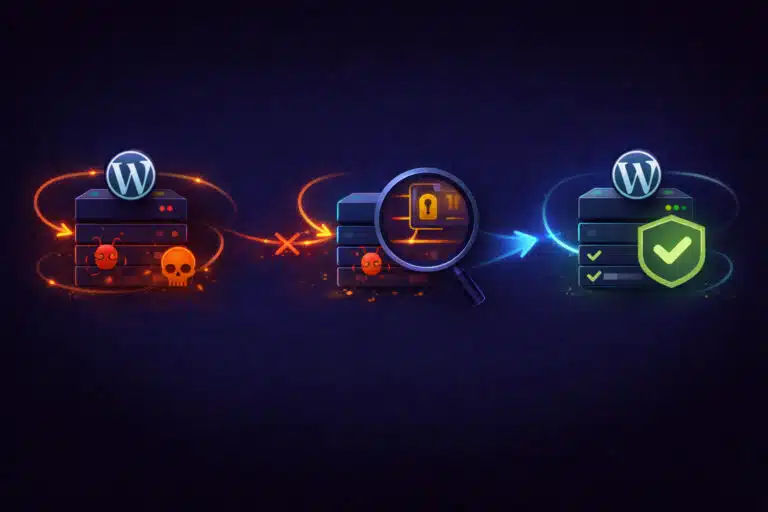
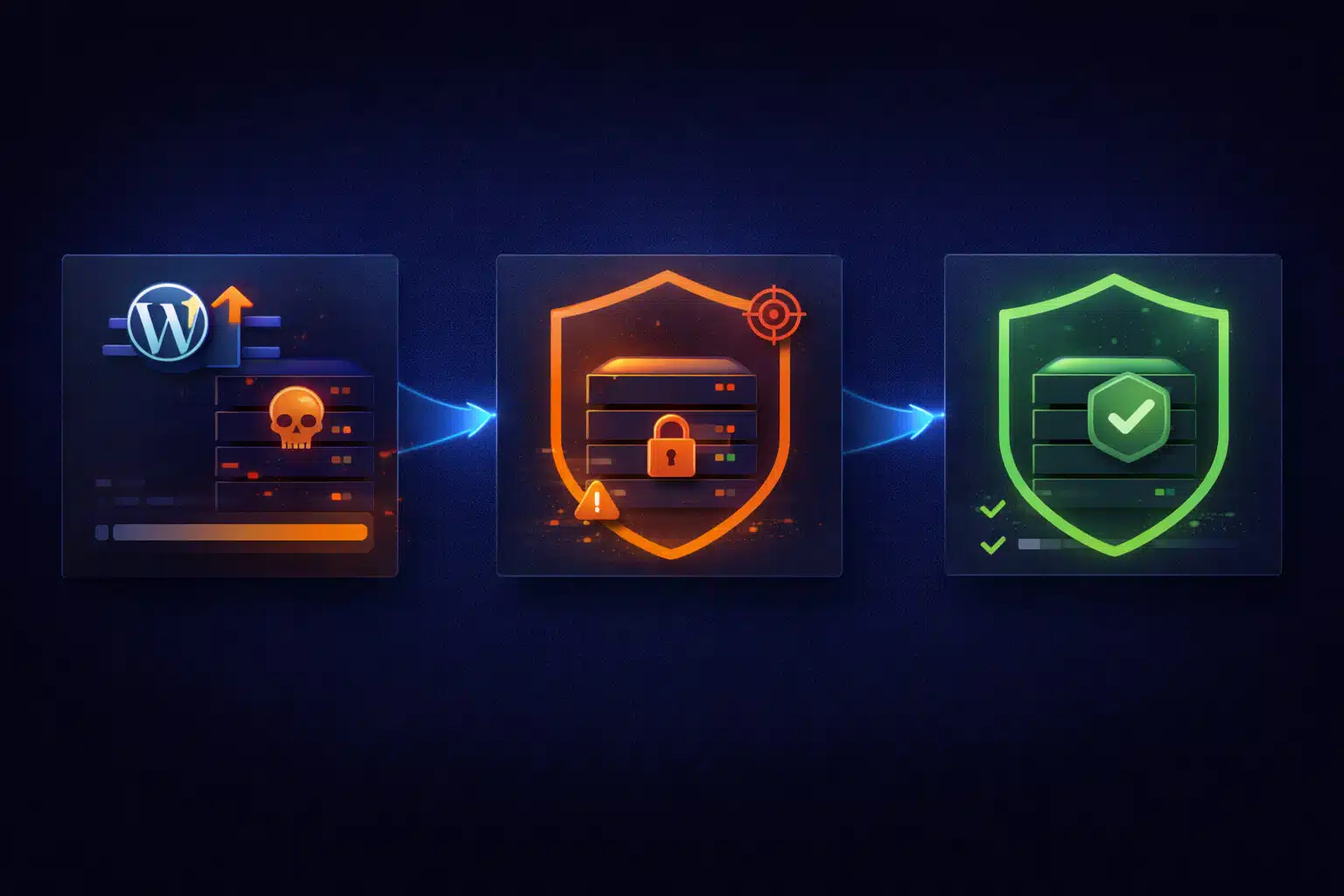
If your WordPress site was hacked shortly after an update, it’s natural to blame the update itself. In reality, updates almost never “cause” hacks. What they usually do is expose weaknesses that were already there.
This distinction matters, because reacting to the wrong cause leads to the wrong fix — and that’s why many hacked sites get reinfected again and again.
Why Updates Get Blamed for Hacks
The timing is deceptive. An update happens, and shortly after:
- Unknown admin users appear
- Spam pages or redirects show up
- Malicious code is found in theme or plugin files
- Search engines flag the site as unsafe
It feels logical to assume the update “broke security.” But in most real cases, the site was already compromised or vulnerable before the update ran.
What Actually Happens Behind the Scenes
Most WordPress hacks follow a familiar pattern:
- A plugin, theme, or custom file has an existing vulnerability
- Malicious code is injected quietly (sometimes weeks earlier)
- The attacker maintains persistence without obvious symptoms
- An update overwrites files, changes load order, or removes obfuscation
- The malware suddenly becomes visible or starts executing differently
The update didn’t create the vulnerability — it simply changed conditions enough for the compromise to surface.
Common Entry Points (That Exist Long Before Updates)
When a site is hacked “after an update,” the initial entry point is usually one of these:
- Outdated plugins or themes with known vulnerabilities
- Abandoned plugins that no longer receive security patches
- Weak admin credentials or reused passwords
- Insecure file permissions allowing unauthorized writes
- Compromised hosting accounts (shared hosting spillover)
- Old backup files or leftover scripts accessible publicly
Updates don’t introduce these risks — they just don’t hide them anymore.
Why Hacks Often Appear Immediately After Updating
Updates can trigger visible changes because they:
- Replace infected core/plugin files, forcing malware to re-inject itself
- Change hooks or execution order, activating dormant payloads
- Invalidate cached malicious output, making new behavior visible
- Cause PHP warnings/fatals that reveal hidden backdoors
This is why site owners often say, “It was fine before the update.” In reality, it was already compromised — just quietly.
Common Mistakes After Discovering a Hack
These reactions are understandable but often make things worse:
- Rolling back the update instead of removing the malware
- Cleaning only visible files without checking persistence mechanisms
- Reinstalling WordPress without securing credentials or permissions
- Restoring old backups that already contain the infection
- Trusting “one-click cleanup” plugins without verifying results
The result is a temporary fix — followed by reinfection days or weeks later.
The Correct Way to Handle a Post-Update Hack
The goal is not just to remove malware, but to eliminate the entry point and persistence.
1) Assume the compromise predates the update
This mindset changes everything. Instead of undoing the update, you focus on:
- How access was gained
- What files were modified
- How persistence was achieved
2) Identify all modified and injected files
Malware rarely lives in one place. Common hiding spots include:
- Plugin and theme files
- Uploads directory
- Must-use plugins
- Database options or injected admin users
Cleaning only surface-level files leaves reinfection vectors intact.
3) Secure credentials and access
Before restoring anything:
- Change all WordPress admin passwords
- Reset hosting, FTP, and database credentials
- Review admin users and roles
If attackers still have access, cleanup is pointless.
4) Restore clean code — not just “working” code
Replace compromised core, theme, and plugin files with verified clean versions. Do not reuse modified files unless you fully audit them.
Then validate:
- No unexpected outbound connections
- No suspicious scheduled tasks (cron)
- No hidden admin users or injected database entries
Why Reinfections Are So Common
Sites get rehacked because:
- The original vulnerability was never removed
- Backdoors were left behind
- Weak credentials were reused
- File permissions remained insecure
An update may temporarily “break” the malware, but it doesn’t remove its roots.
How to Prevent This from Happening Again
- Remove abandoned plugins and themes
- Keep everything updated regularly (core, plugins, themes)
- Harden file permissions and restrict write access
- Use strong, unique credentials everywhere
- Monitor file changes and suspicious activity
- Audit updates on staging for critical sites
If your site appeared hacked after an update, the update wasn’t the cause — it was the trigger that exposed an existing compromise. The safest fix is a full, methodical cleanup that removes the entry point and all persistence mechanisms, not a rollback that hides the symptoms until the next incident.