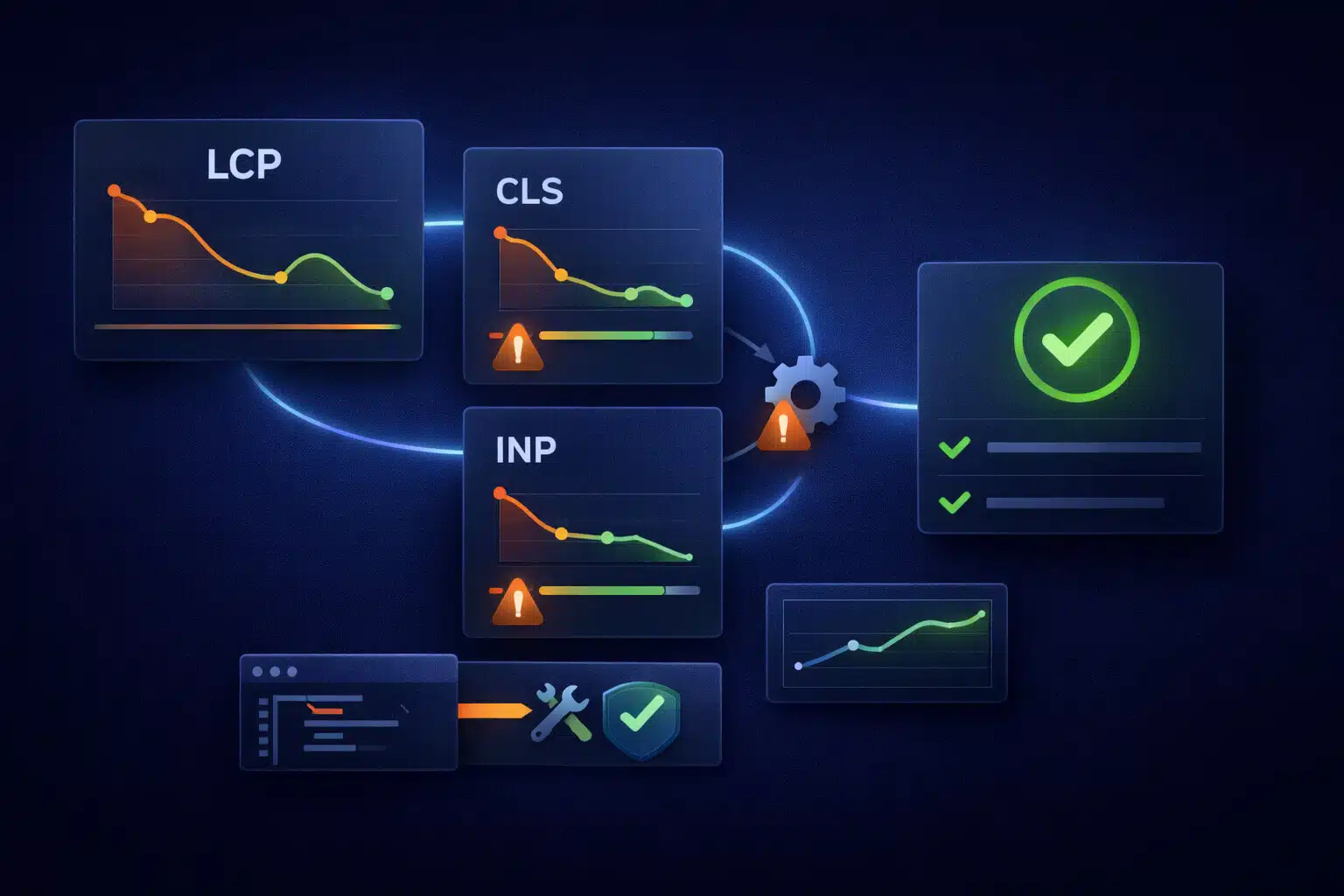
WP Rocket is one of the best caching plugins in the WordPress ecosystem — but caching alone doesn’t guarantee green Core Web Vitals. If your site still fails LCP, CLS, or INP after enabling WP Rocket, it usually means the bottleneck is happening before caching helps (rendering), during layout (stability), or after load (JavaScript main-thread work).
The good news: this is fixable. The bad news: “turn on more toggles” won’t solve it if the underlying issue is theme output, page builder bloat, render-blocking CSS, or heavy third-party scripts.
What WP Rocket Can (and Can’t) Fix
WP Rocket primarily improves delivery:
- Page caching (faster repeat requests and lower server work)
- Compression and browser caching headers (depending on server setup)
- Lazy-loading images/iframes (reduces work below the fold)
- Delaying some JavaScript (helps in certain cases)
But Core Web Vitals failures often come from composition cost and execution cost — not just delivery:
- Rendering path issues (the browser can’t paint the page quickly)
- Layout instability (elements move after the initial paint)
- Main-thread blocking JavaScript (interactions lag because scripts are busy)
That’s why a site can be “cached” and still feel slow or score poorly in CWV.
Why LCP Still Fails (Largest Contentful Paint)
LCP measures how quickly the largest visible element in the viewport renders (often a hero image, large heading block, or banner). WP Rocket can speed up TTFB in many cases, but LCP can still fail if the browser is blocked from painting quickly.
Common LCP culprits:
- Hero image problems: oversized image, wrong format, served without proper dimensions, or loaded too late.
- No preload for the LCP resource: the browser discovers the hero image late (especially with sliders/builders).
- Render-blocking CSS: large CSS files (or many files) must download before the browser can paint above-the-fold.
- Font delays: multiple font files, no preconnect, or late font loading can delay text rendering.
- Slow server work even with caching: logged-in variation, uncached pages, heavy backend logic, or poor hosting.
What actually improves LCP:
- Optimize the hero asset (correct dimensions, modern format, properly compressed).
- Preload the LCP element (often the hero image or key font).
- Reduce render-blocking CSS (critical CSS strategy or reducing CSS payload from theme/builder).
- Ensure fast TTFB (real server performance, not just “cache enabled”).
If you don’t know what your LCP element is, start by identifying it in a performance tool and confirm whether it’s an image, a text block, or a container rendered by the theme/builder.
Why CLS Still Fails (Cumulative Layout Shift)
CLS measures layout stability. A site can load quickly and still fail CLS if content moves around after the initial render. This is common on WordPress sites with ads, popups, cookie banners, chat widgets, sliders, dynamic headers, and late-loading fonts.
Common CLS culprits:
- Images and iframes without fixed dimensions (the browser doesn’t reserve space, then shifts when loaded).
- Late injected UI (cookie banners, announcement bars, chat widgets pushing content down).
- Font swaps (FOIT/FOUT causing text reflow and shifting lines).
- Sliders and carousels that change height after initialization.
- Lazy-loaded above-the-fold elements (lazy-loading is good below the fold; risky above it).
What actually improves CLS:
- Set width/height or aspect-ratio for images/embeds so space is reserved.
- Ensure banners/widgets use reserved space (or overlay instead of pushing layout).
- Fix font loading with sensible preconnect + preload where appropriate and stable fallback metrics.
- Avoid layout-changing scripts in the critical viewport during load.
WP Rocket can’t fix CLS by itself because CLS is often caused by markup/CSS choices and third-party injections, not by caching.
Why INP Still Fails (Interaction to Next Paint)
INP measures responsiveness — how quickly the page reacts visually after user input. This is where WordPress sites frequently struggle, especially with page builders, heavy tracking, and multiple third-party scripts.
Common INP culprits:
- Too much JavaScript on load (builders, animations, sliders, multiple analytics, tag managers).
- Long tasks blocking the main thread (you click, but the browser is busy executing JS).
- Third-party scripts doing heavy work (chat widgets, heatmaps, A/B testing tools).
- Excessive DOM size from builder output (more work for rendering and event handling).
What actually improves INP:
- Reduce JS payload (remove what you don’t need; replace heavy scripts with lighter alternatives).
- Delay non-critical scripts (especially third-party) so they don’t block early interactions.
- Break long tasks (optimize theme scripts, reduce heavy initialization patterns).
- Cut DOM and CSS complexity (builders can create huge DOMs; simplify where possible).
WP Rocket’s “delay JS” can help, but only if you delay the right scripts and don’t break functionality. INP improvements usually require a targeted audit of what’s running and when.
Why “Green in Lighthouse” Still Fails in Real Life
It’s common to see good lab scores while still failing Core Web Vitals in the field. Reasons include:
- Field data reflects real devices (mid-range mobile, slow networks), not your desktop test.
- Third-party variability (ads, tags, A/B scripts) can behave differently per region/device.
- Cache variation (logged-in users, dynamic pages, or pages excluded from caching).
- Traffic mix (some pages are optimized; others are not — CWV reports can be URL-group based).
The right approach is to measure both lab and field, and focus on the pages that matter (home, top landing pages, product/category pages, checkout).
The Professional Fix Path (What Actually Works)
If WP Rocket is installed and you still fail CWV, here’s a reliable, low-drama workflow:
- Identify the bottleneck per metric:
- LCP: confirm the LCP element and why it’s late
- CLS: identify which element shifts and what triggers it
- INP: find long tasks and heavy scripts during interaction
- Fix above-the-fold first:
- Optimize and preload the hero
- Reduce render-blocking CSS
- Make the first screen stable (no shifting)
- Reduce JavaScript cost:
- Remove unnecessary plugins/scripts
- Delay third-party scripts responsibly
- Replace heavy UI components (sliders, mega-menus) with simpler alternatives if needed
- Validate with real devices and real pages:
- Test key URLs
- Re-check CWV over time (field data updates gradually)
In many cases, the highest ROI changes are not “more caching,” but less weight (CSS/JS), faster first paint (LCP), and stable layout (CLS).
When It’s Time for an Audit (Instead of More Tweaks)
If you’ve already tried WP Rocket settings, disabled obvious offenders, and you’re still failing CWV, it usually means the root cause is structural: theme output, builder payload, or third-party scripts. A targeted performance audit can pinpoint exactly what to change without breaking the design or functionality.
If you want green Core Web Vitals consistently, think of WP Rocket as a foundation — and the rest of the optimization as removing the true bottlenecks across LCP, CLS, and INP.